Feature Highlights
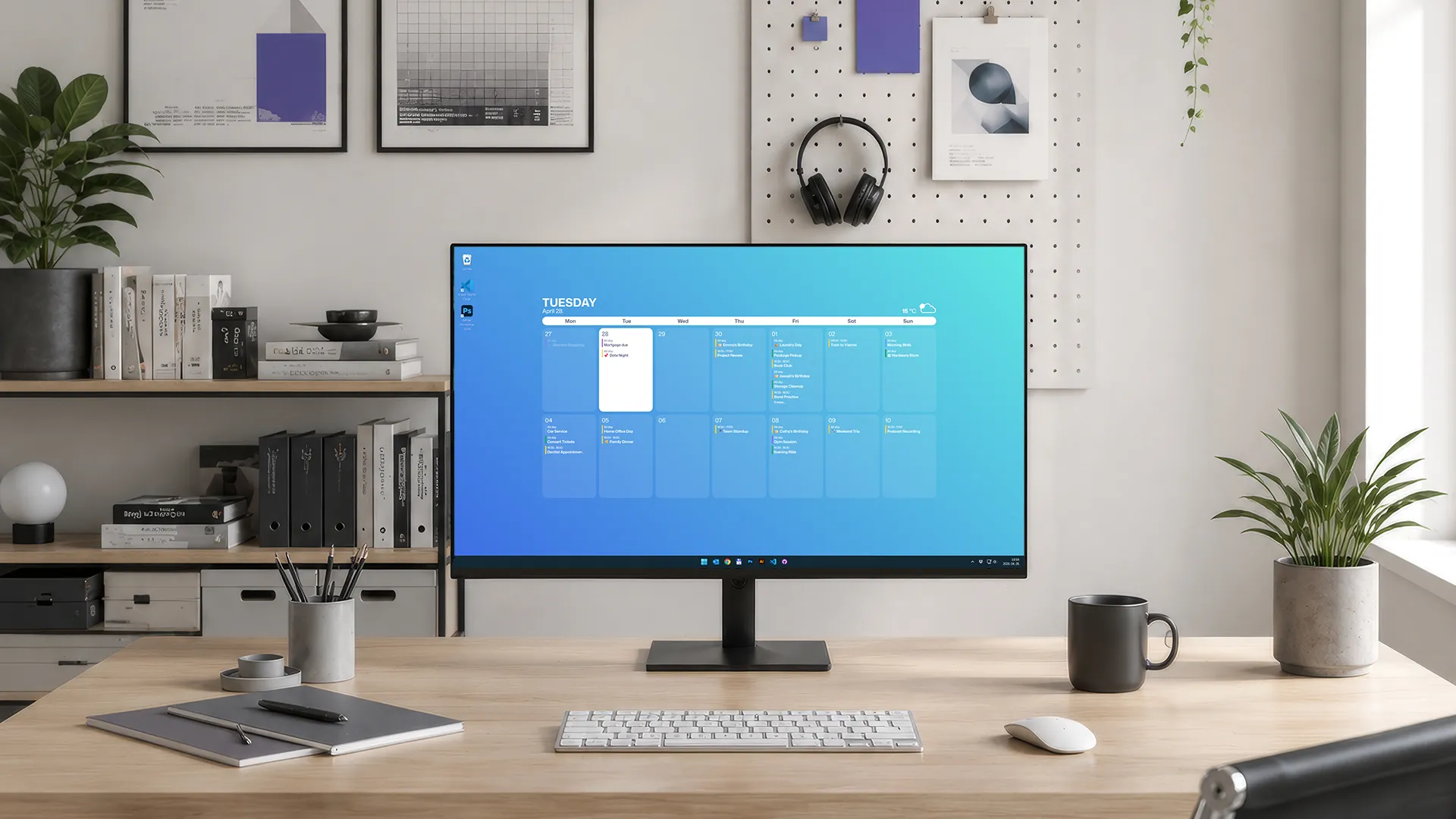
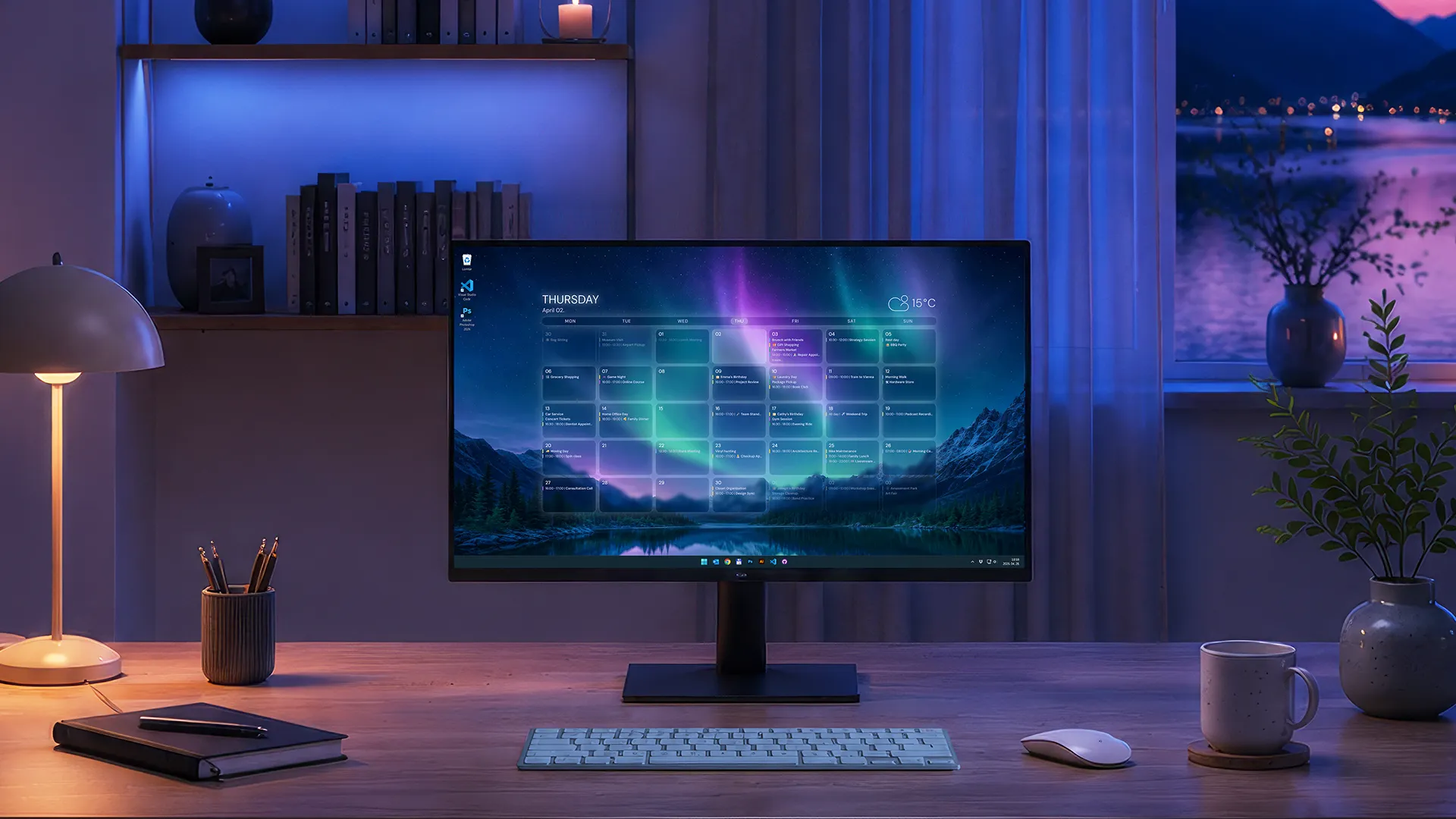
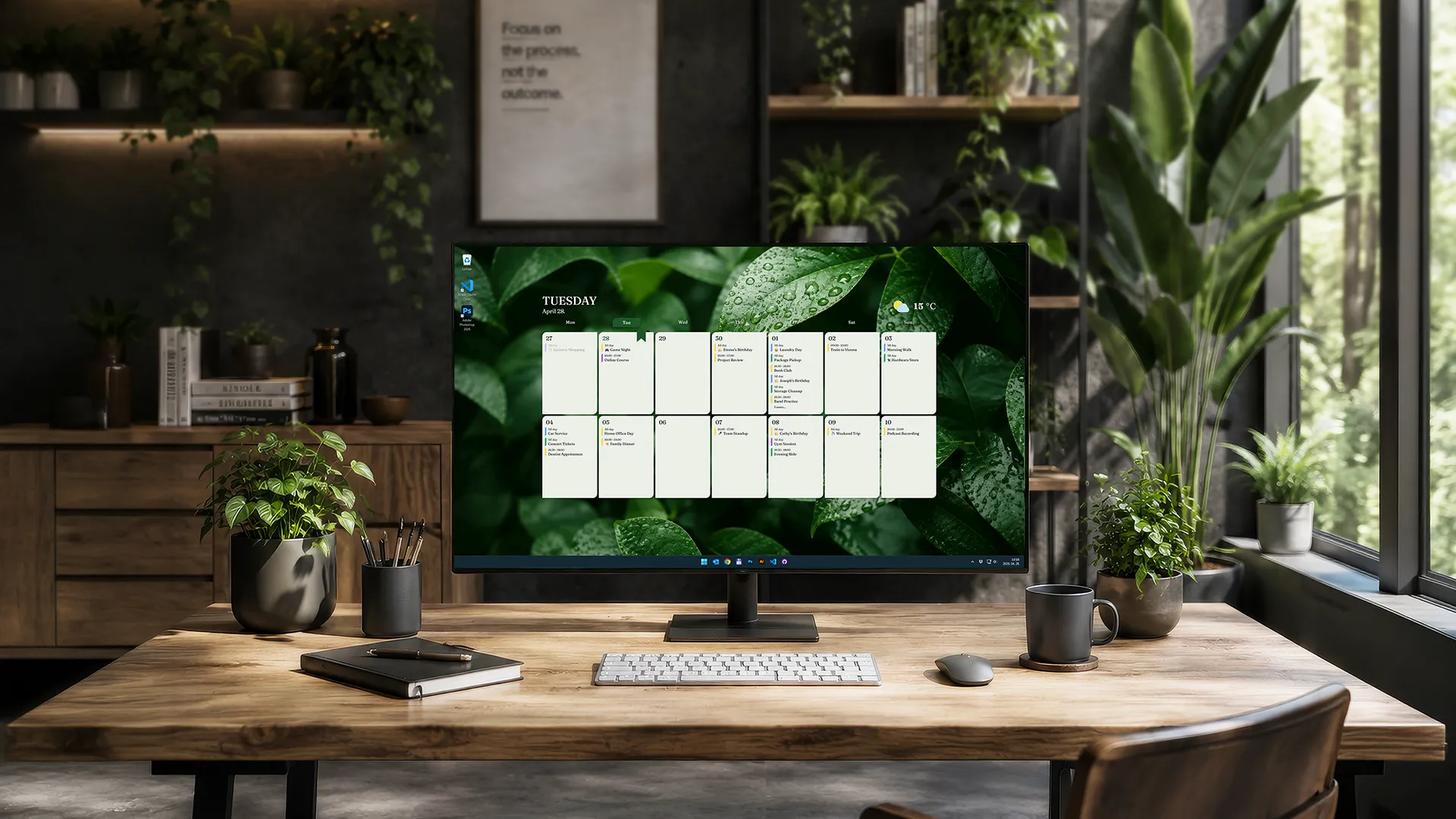
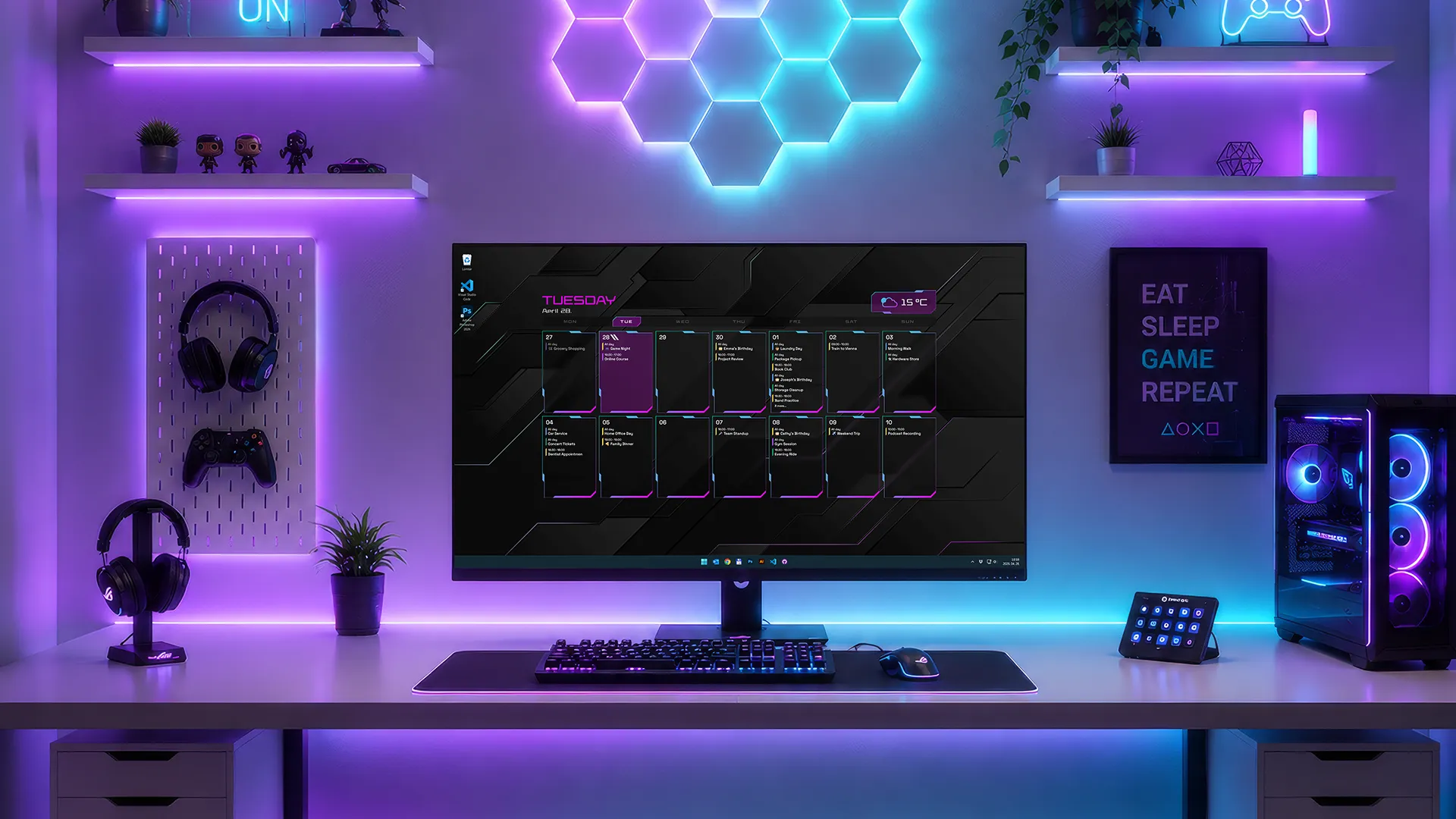
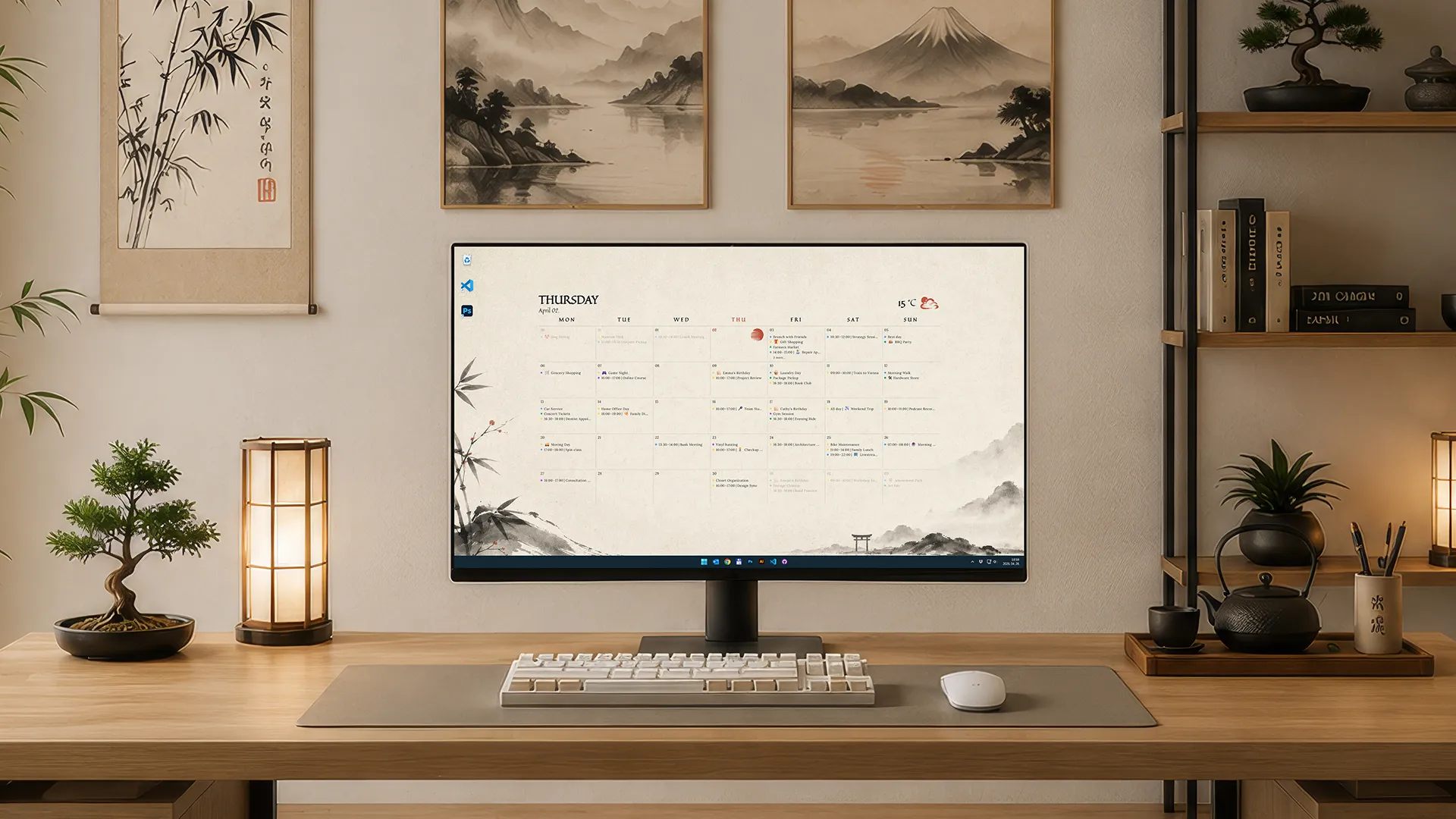
CalPaper combines a Windows desktop calendar wallpaper, multi-provider calendar sync, per-display layouts, and privacy-focused local rendering in one lightweight app.
🗓️
Live Calendar Wallpaper
Calendar events are rendered directly into your desktop background for instant visibility.
🔒
Local-First Privacy
Your calendar data stays on your device and is only used locally for rendering your wallpaper.
🖥️
Per-Display Layouts
Configure different layouts and themes independently for each connected monitor.
🎨
Theme Customization
Personalize your wallpaper with built-in themes, color schemes, weather widgets, and layout options.
🔗
Multi-Provider Support
Connect Google Calendar, Outlook Calendar, Apple Calendar, and ICS feeds in one unified experience.
🔄
Live Calendar Updates
Calendar and weather information refresh automatically in the background throughout the day.
Themes
Hand-crafted themes built for crisp high-DPI desktops, deep customization, and calm, ADHD-friendly readability.
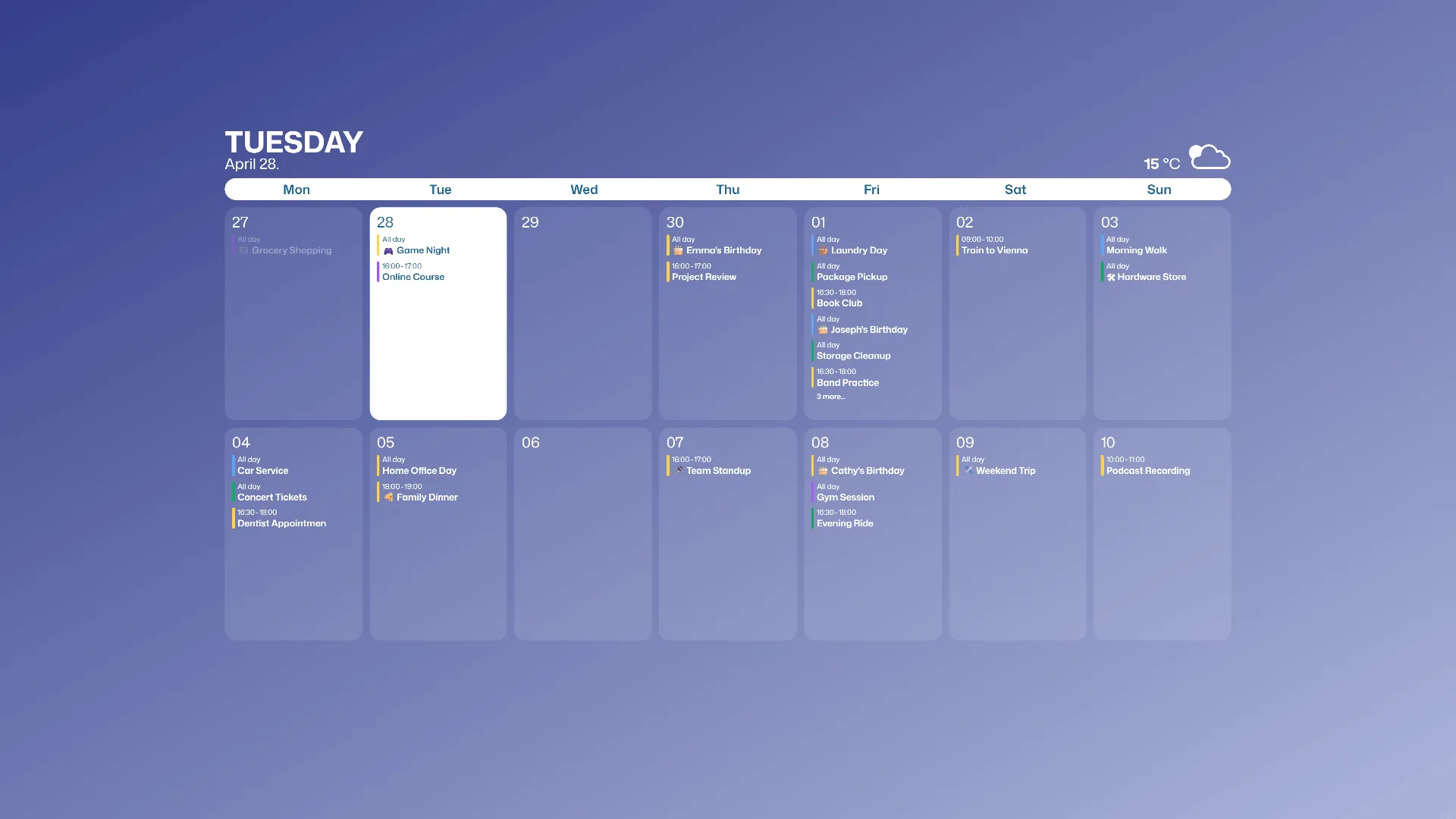
Free theme
Minimal
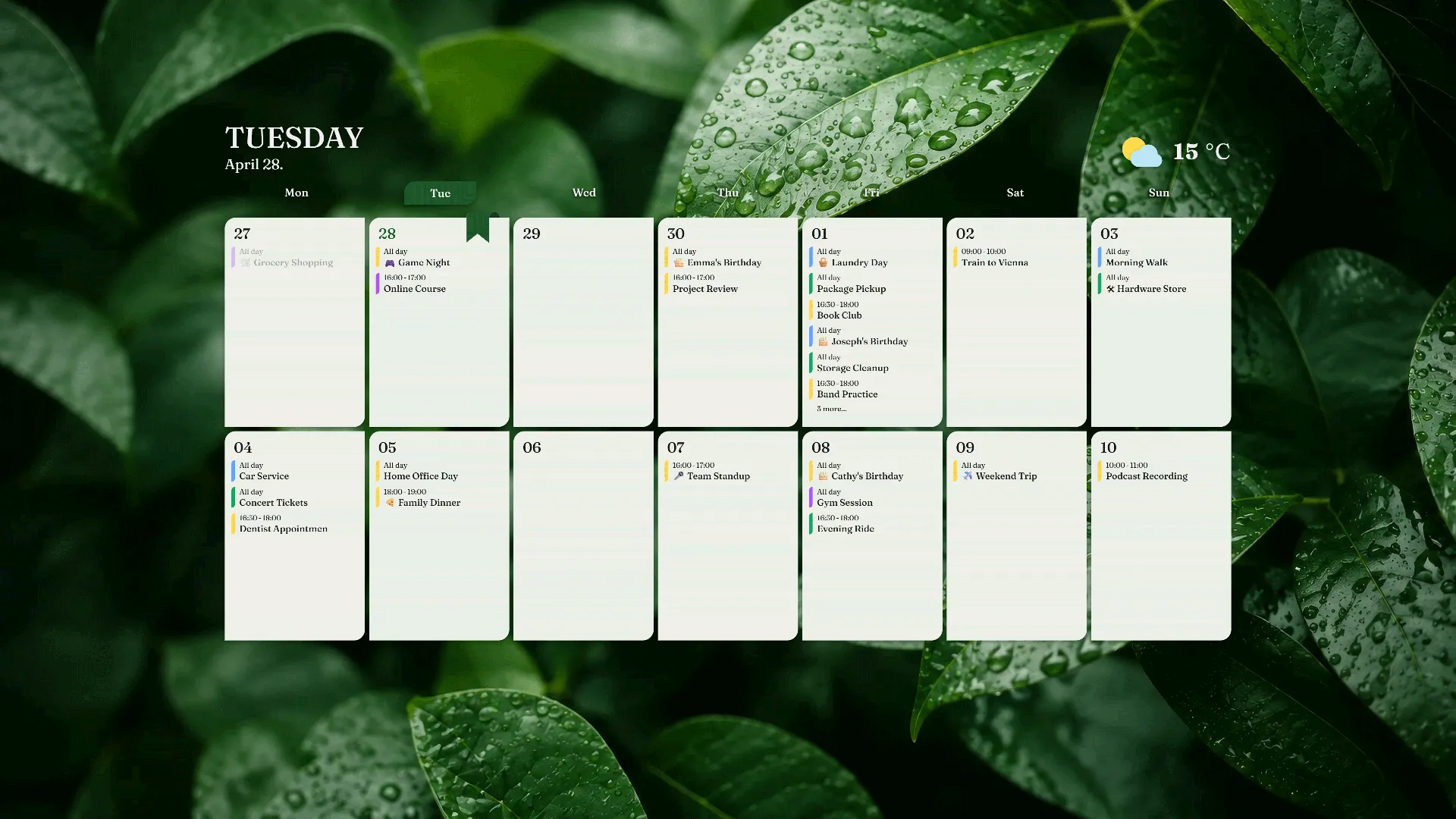
Customizable
Flora
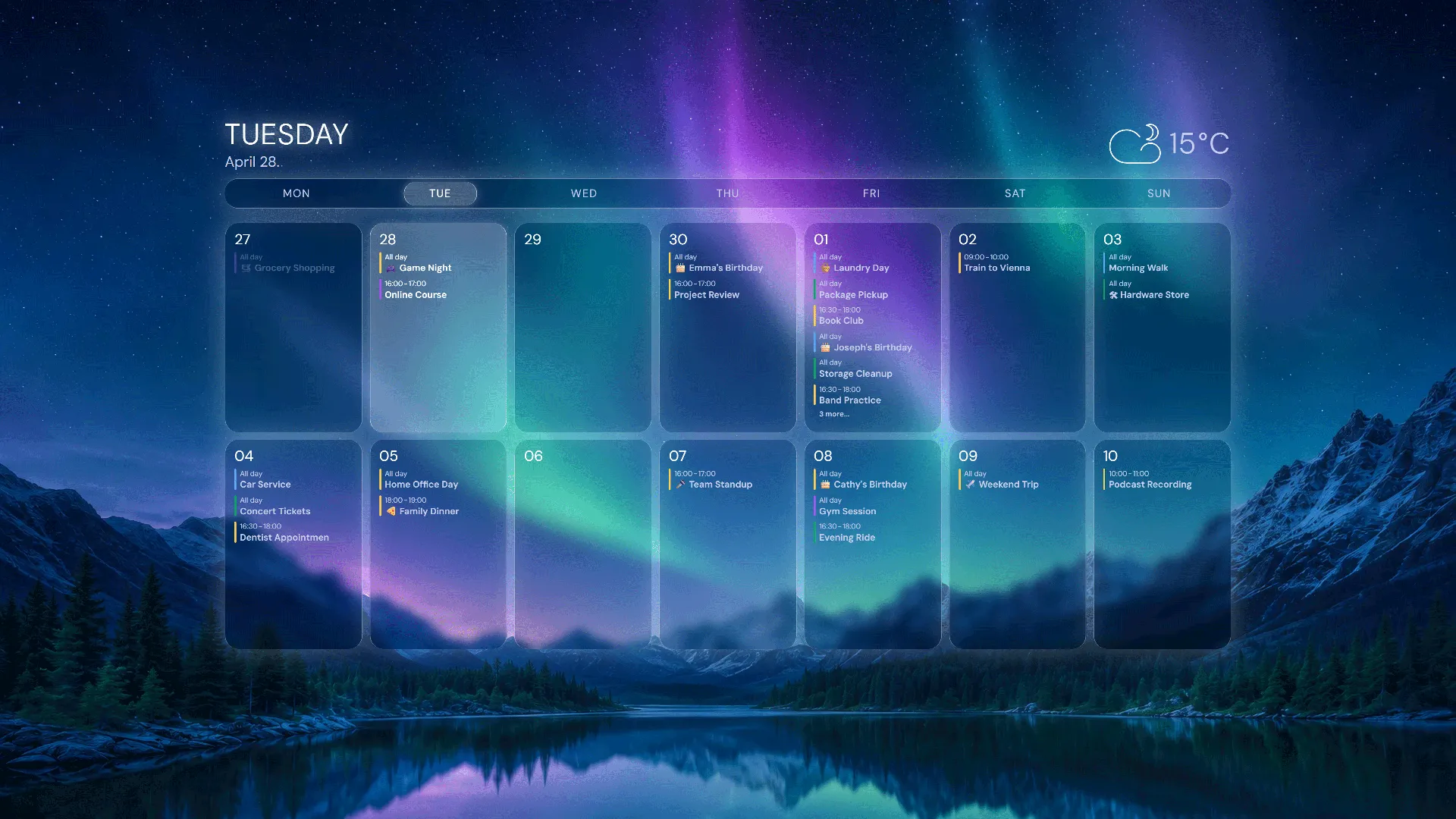
Customizable
Aurora
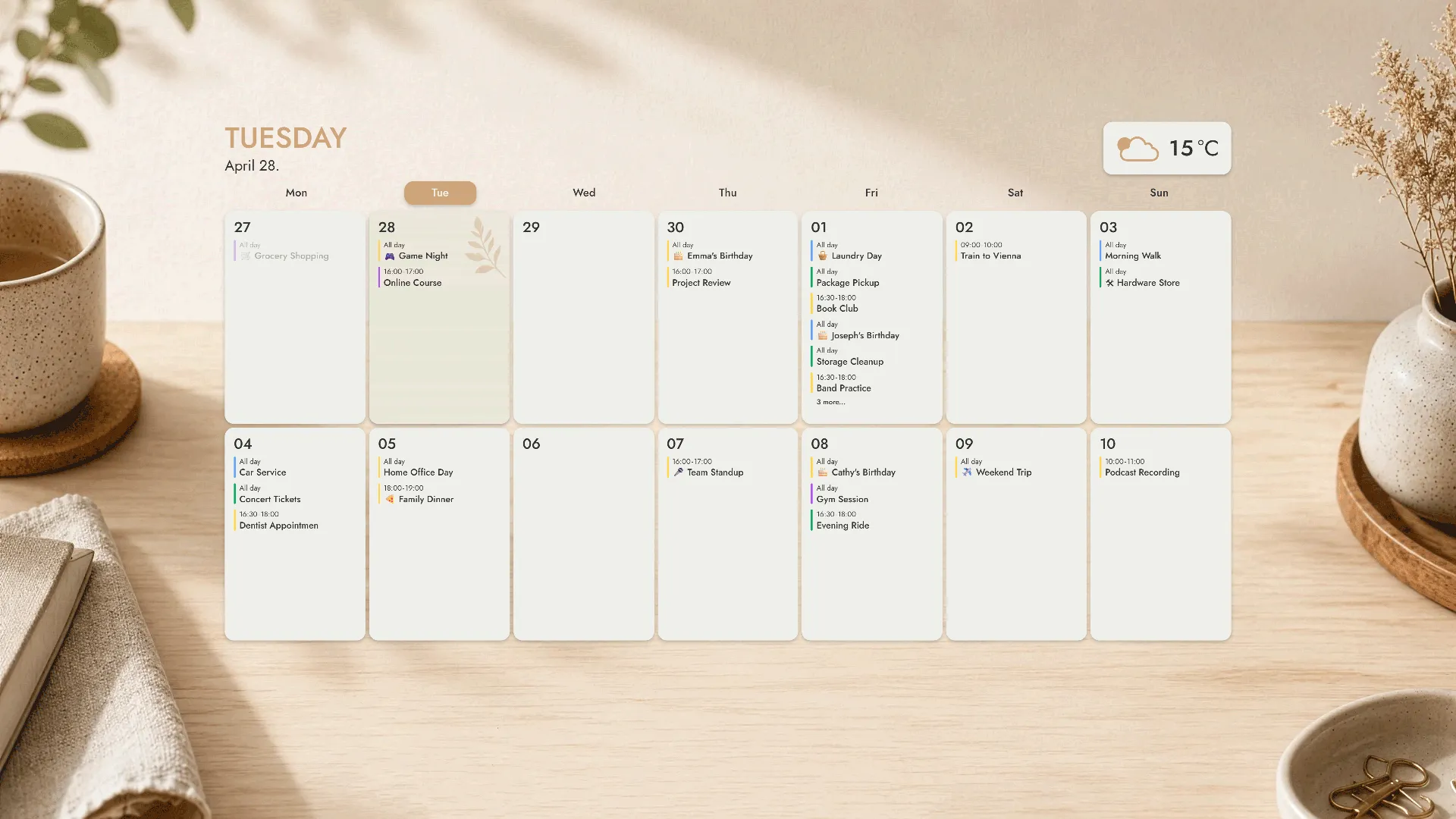
Customizable
Zen
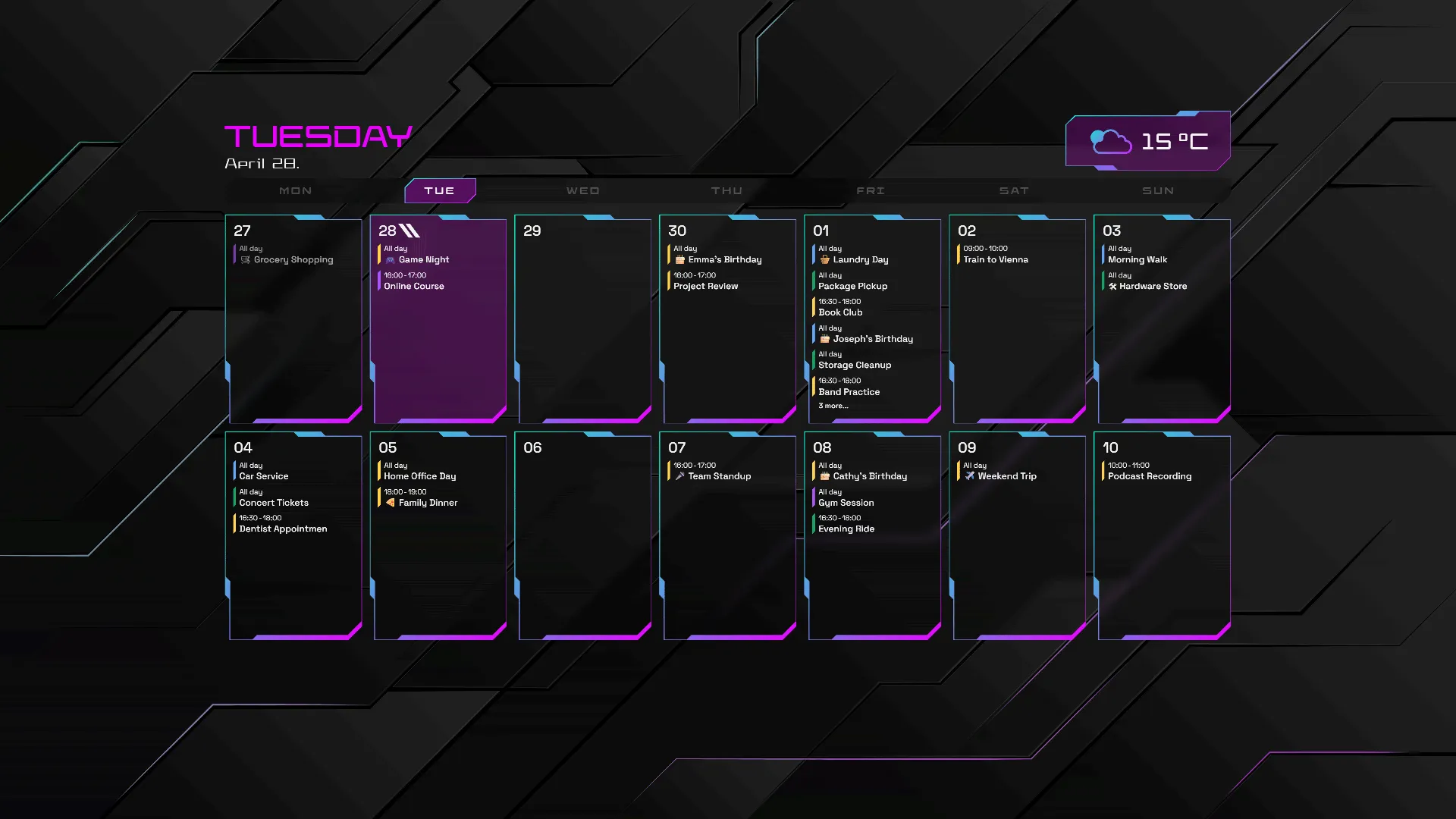
Customizable
Nexus
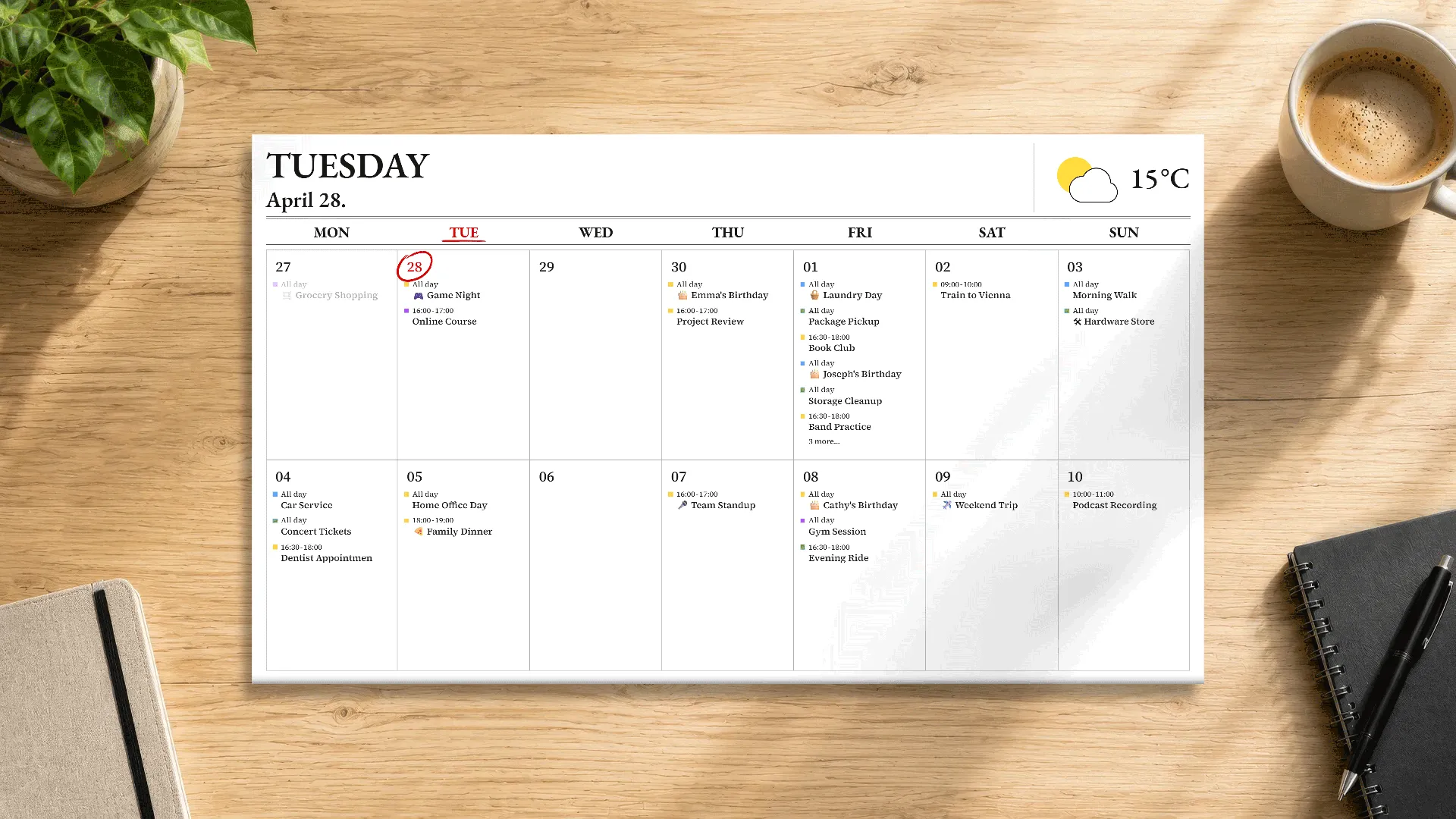
Light/dark scheme
Daily News
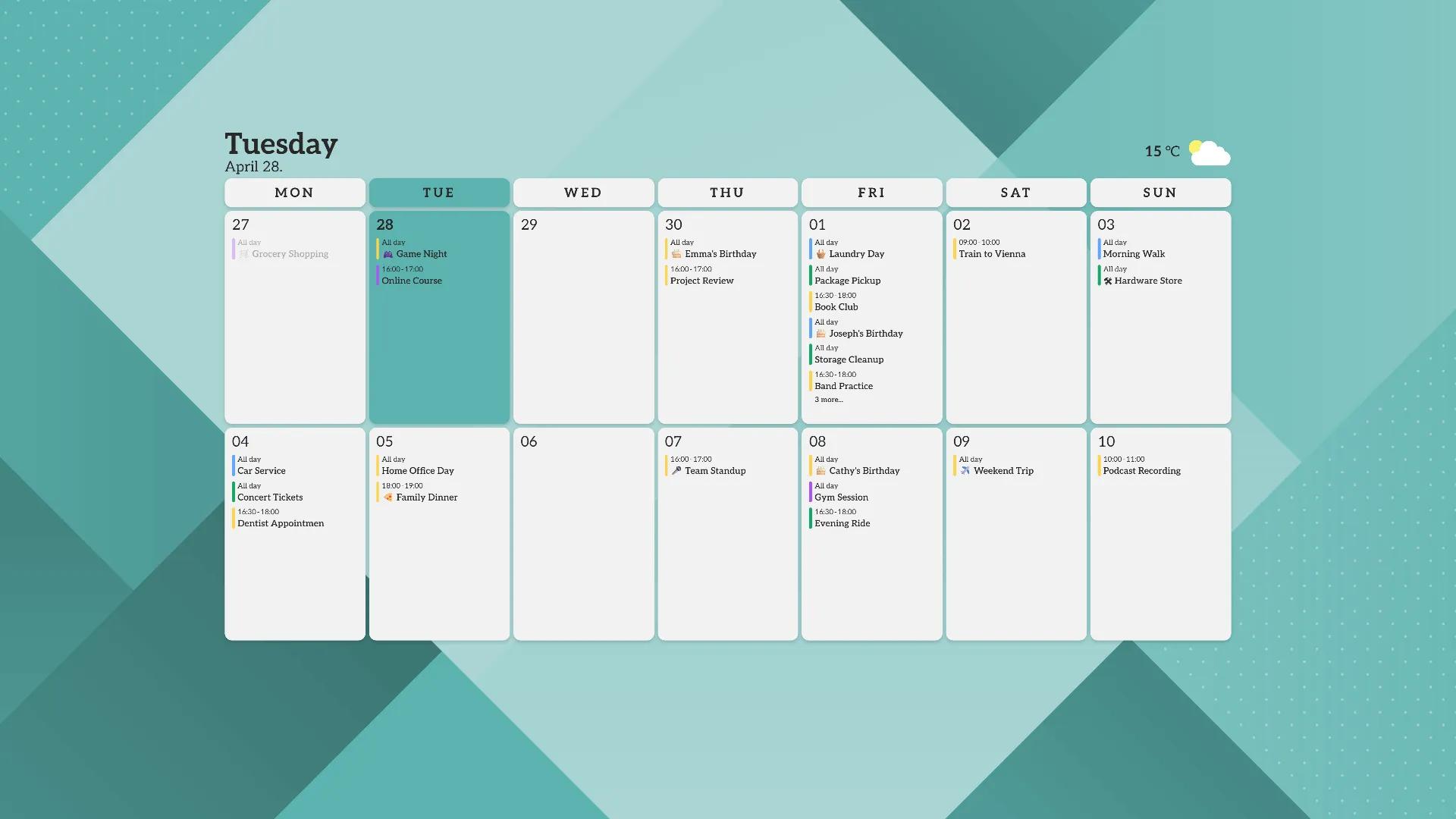
Customizable
Fold
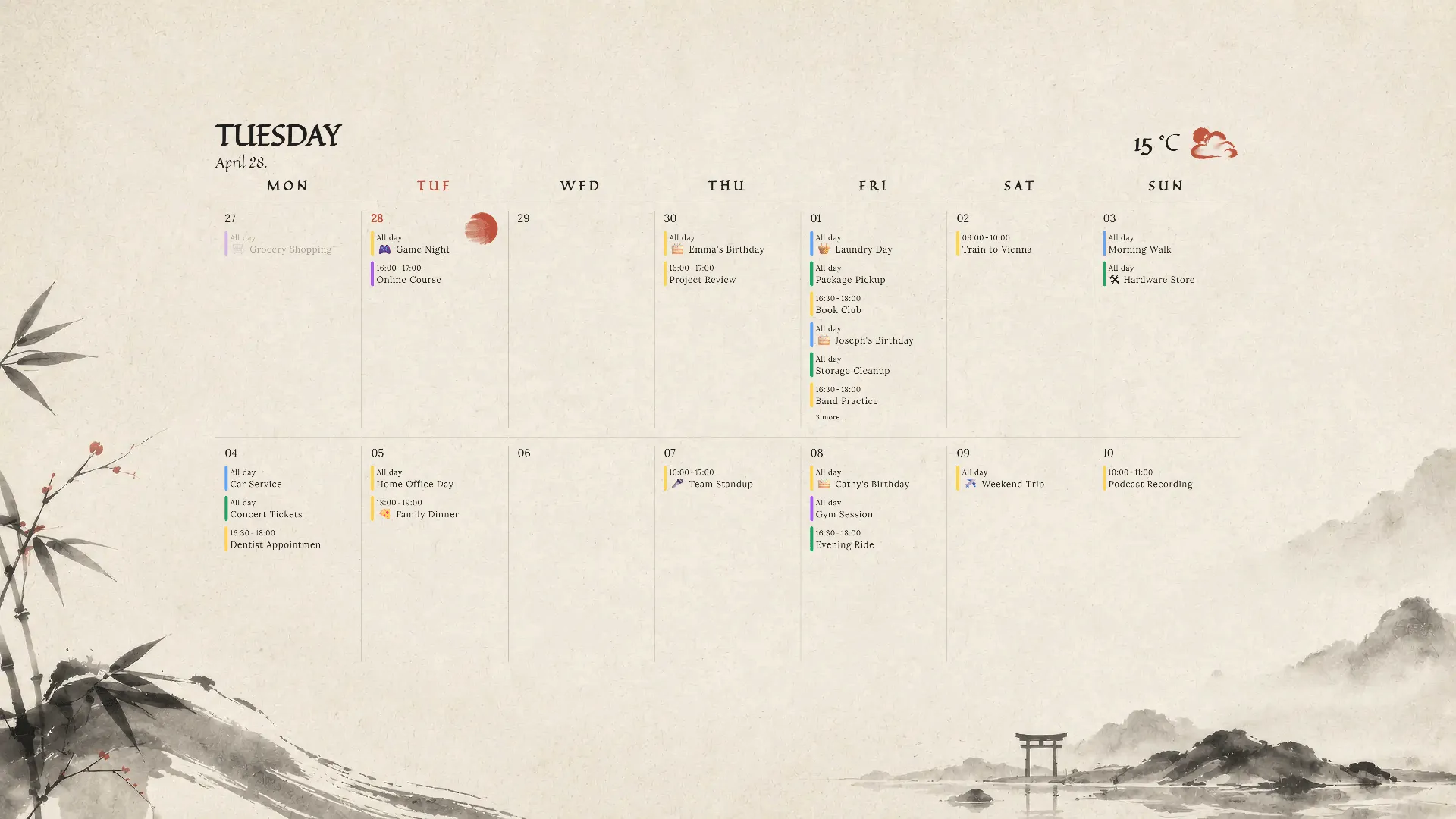
Light/dark scheme
Orient
Unlock Premium Features
CalPaper is free to use, with an optional Premium version available as a one-time purchase for $4.99. It unlocks unlimited calendar sources, faster desktop calendar refreshes, weather widgets, premium themes, advanced customization, and independent settings for each display.
Calendar sources
1
Unlimited
Auto-update frequency
60 min
5 min
Free
Auto-update frequency
60 min
Premium
Calendar sources
Unlimited
Auto-update frequency
5 min
Secure · Local-first · Read-only access
FAQ
Find answers about supported calendar providers, privacy, read-only access, offline behavior, and Premium features for the CalPaper desktop calendar wallpaper app.
Connection
Which calendar services are supported?
CalPaper supports Google Calendar, Microsoft Outlook Calendar, Apple Calendar via CalDAV, and standard ICS calendar feeds.
How do I connect my Google Calendar?
You can simply sign in with your Google account through Google's secure OAuth authentication flow and grant CalPaper read-only access to your calendar data.
How do I connect my Apple Calendar?
Apple Calendar can be connected using CalDAV with an Apple app-specific password.
Follow our step-by-step setup guide:
Detailed Apple Calendar connection steps
Alternatively, you can share your Apple Calendar as a public ICS calendar and add it to CalPaper.
How do I connect my Outlook Calendar?
You can simply sign in with your Microsoft account through Microsoft's secure OAuth authentication flow and grant CalPaper read-only access to your calendar data.
How do I connect my ICS Calendar?
You can add your ICS calendar feed directly to CalPaper by providing the URL of your calendar's ICS file.
Privacy
Can CalPaper edit my calendar data?
No. CalPaper only downloads calendar data for display purposes and does not have write access to your calendars.
Where is my calendar data stored?
Your calendar data stays on your device. CalPaper only stores locally cached data needed for displaying your calendars.
Do you collect or transmit personal data?
CalPaper does not send your calendar data to CalPaper-operated servers. The desktop app keeps your calendar processing local on your device. Separately, this website may use optional analytics cookies only if you explicitly consent.
Settings
Does CalPaper support multiple monitors?
Yes. CalPaper works across multiple monitors. The Free plan uses the same layout on all displays, while the Premium version supports independent per-display settings.
Can I customize themes and layouts?
Advanced theme and layout customization features are available with the Premium version.
Can I change the visual quality of the calendar?
Yes. Under Performance Settingsyou can select Fast or Quality rendering modes. Fast mode prioritizes speed and lower resource usage, while Quality mode can produce a sharper, cleaner image.
Does CalPaper start automatically with Windows?
Yes. CalPaper can start automatically when Windows launches.
Does CalPaper require an internet connection?
CalPaper can run without an internet connection, but calendar data and weather information cannot be refreshed while offline.
Premium
What’s included in the Premium version?
The Premium version unlocks unlimited calendar sources, faster auto-updates, premium themes, advanced customization options, the weather widget, and per-display settings.
Do I need to renew Premium?
No. Premium is unlocked with a one-time $4.99 purchase through the Microsoft Store and does not renew automatically.
Ready to turn your desktop into a live calendar?
Download CalPaper and keep your schedule visible every time you look at your desktop.
Get it from
Microsoft